This guide covers ai coding assistants stack architecture 2026 with a practical lens: how to combine editor, agent, and review layers without paying for the same capability twice. For baseline tool picks, see our best AI coding assistants 2026 roundup; for editor and agent comparisons, start with the same AI coding assistants guide.
The Common AI Coding Tool Sprawl Problem in 2026
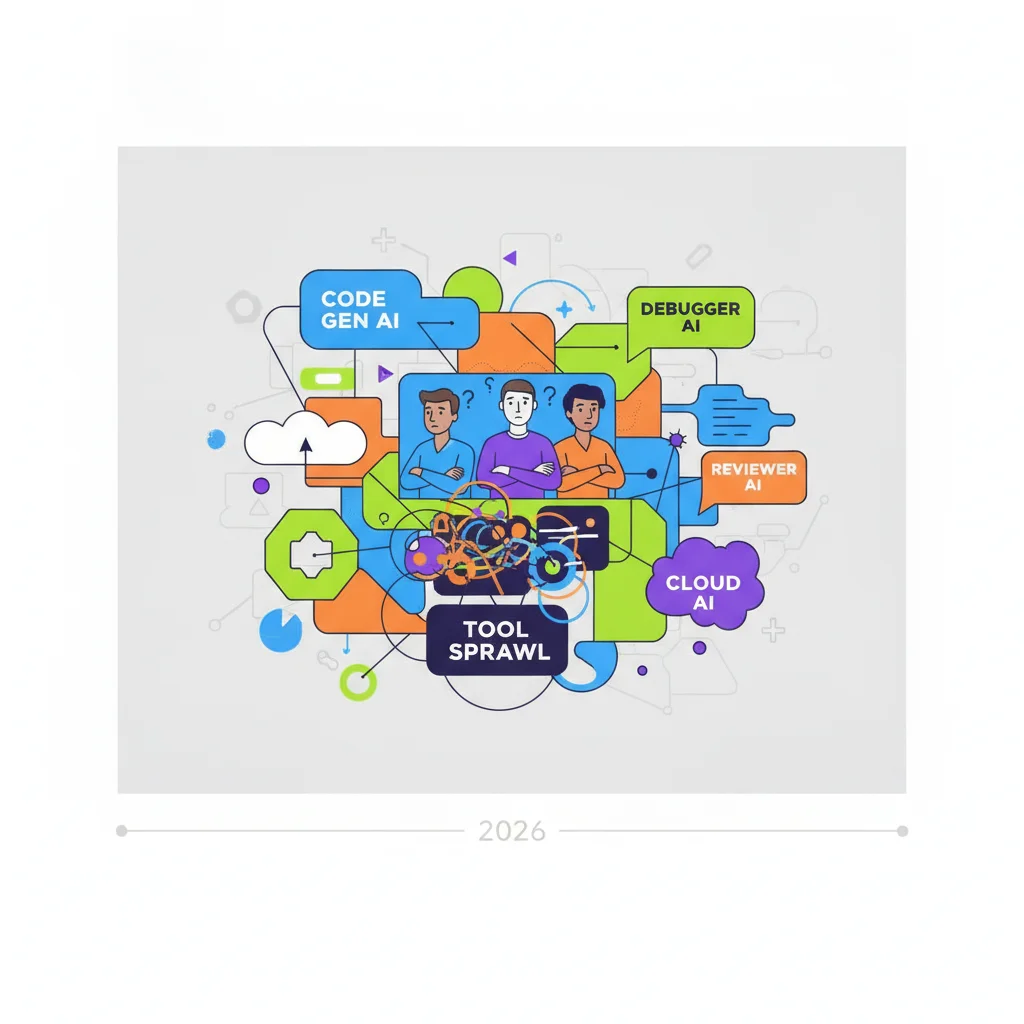
Walk into most engineering organizations in mid-2026 and ask "which AI coding tools are you using?" and you will often get a list like this:
- Cursor (some people)
- GitHub Copilot (most people)
- Claude Code (a few power users)
- Amazon Q (the AWS team)
- Qodo or Snyk Code (the security team)
- Maybe Sonar or another review tool
When you ask why they have all of these, the answers are usually some version of "different people like different things" or "we started with X and then added Y because it was better at Z."
The result is license waste, context switching, inconsistent code quality, and developers who are genuinely confused about which tool they are supposed to use for a given task. This is the AI coding tool sprawl problem.
Sprawl usually starts innocently: one team pilots Cursor, another keeps Copilot from an enterprise deal, security mandates a review scanner, and AWS champions Amazon Q. None of those choices is wrong in isolation. The failure mode is never deciding which layer owns which job, so developers bounce between assistants that all draft functions, refactor files, and explain errors with slightly different guardrails.
Healthy ai coding assistants stack architecture 2026 teams document a default path first, then treat every additional SKU as a formal exception with an owner, a sunset date, and a metric. Without that discipline, overlap feels like flexibility but shows up on invoices as duplicate seats and in reviews as inconsistent style.
1. The Recommended Core Stack for Most Teams in 2026
The highest-performing teams have converged on a surprisingly consistent three-layer model:
- Daily Driver (Editor Layer): Cursor or GitHub Copilot — the tool used for the majority of day-to-day coding, inline completions, and small-to-medium changes.
- Heavy Lifting Agent: Claude Code — the specialized tool brought in for complex, multi-file, architectural, or autonomous work that the daily driver struggles with.
- Review / Quality Layer: Qodo, Snyk Code, or Sonar — the tool used (often in CI or as a pre-merge check) to catch bugs, security issues, and quality problems before they reach human review.
This model minimizes overlap while covering the three main value areas: speed of daily work, depth for hard problems, and quality gates.
In practice, the editor layer should handle inline completion, small refactors, and test scaffolding. The agent layer is for multi-file migrations, unfamiliar services, or tasks that need autonomous iteration with checkpoints. The review layer belongs in CI or pre-merge checks so AI-generated diffs still meet security and style bars before humans spend time on them.
Teams that skip the review layer often discover the problem only after incidents: duplicated secrets, hallucinated APIs, or subtle logic bugs that inline models gloss over. Treating review as infrastructure—not an optional add-on—is what separates a coherent stack from expensive autocomplete.
2. When to Add (or Remove) Tools from the Stack
Additional tools should only be added when there is a specific, measurable gap that the core stack cannot fill:
- AWS-heavy workloads → Consider adding Amazon Q (with awareness of the transition risk to Kiro)
- Very large monorepos with strict security requirements → May need a specialized review tool in addition to the core stack
- Teams with extremely high security or compliance needs → May need to limit or replace certain tools based on data handling policies
The default should be "can the existing stack handle this?" rather than "let's add another tool."
Run a simple decision tree before approving spend: define the gap in one sentence, estimate hours saved per month, identify which existing tool already covers 70% of the workflow, and only then evaluate a net-new vendor. If the gap is AWS-specific transformation, Amazon Q may earn a carve-out; if the gap is regulated data handling, see our security-focused companion pages rather than bolting on another general assistant.
Removal matters too. Quarterly, pull seat utilization and survey which tools developers actually reach for during incidents. Tools below a clear usage floor should be retired even if a vocal minority prefers them—otherwise sprawl returns quietly.
3. Governance and Team Guidelines That Prevent Chaos

The difference between a productive stack and a chaotic one is almost entirely governance:
- Clear documentation of which tool to use for which class of task
- Approved tool list with justification required for exceptions
- Regular (quarterly) review of the stack to remove unused or redundant tools
- Training for new team members on the approved workflow
- Metrics on tool usage and outcomes (not just adoption)
Teams that treat AI coding tools as "use whatever you want" almost always end up with sprawl. Teams that treat them as infrastructure with standards get much better results.
Publish a one-page playbook: task type → recommended tool → escalation path → forbidden uses (for example, pasting customer PII into consumer chat models). Pair it with office hours led by internal champions who can show realistic workflows instead of demo magic.
License governance should live with engineering leadership, not procurement alone. Finance sees duplicate renewals; engineering sees context switching. A joint review every quarter keeps the stack aligned with how code actually ships.
4. Common Anti-Patterns to Avoid
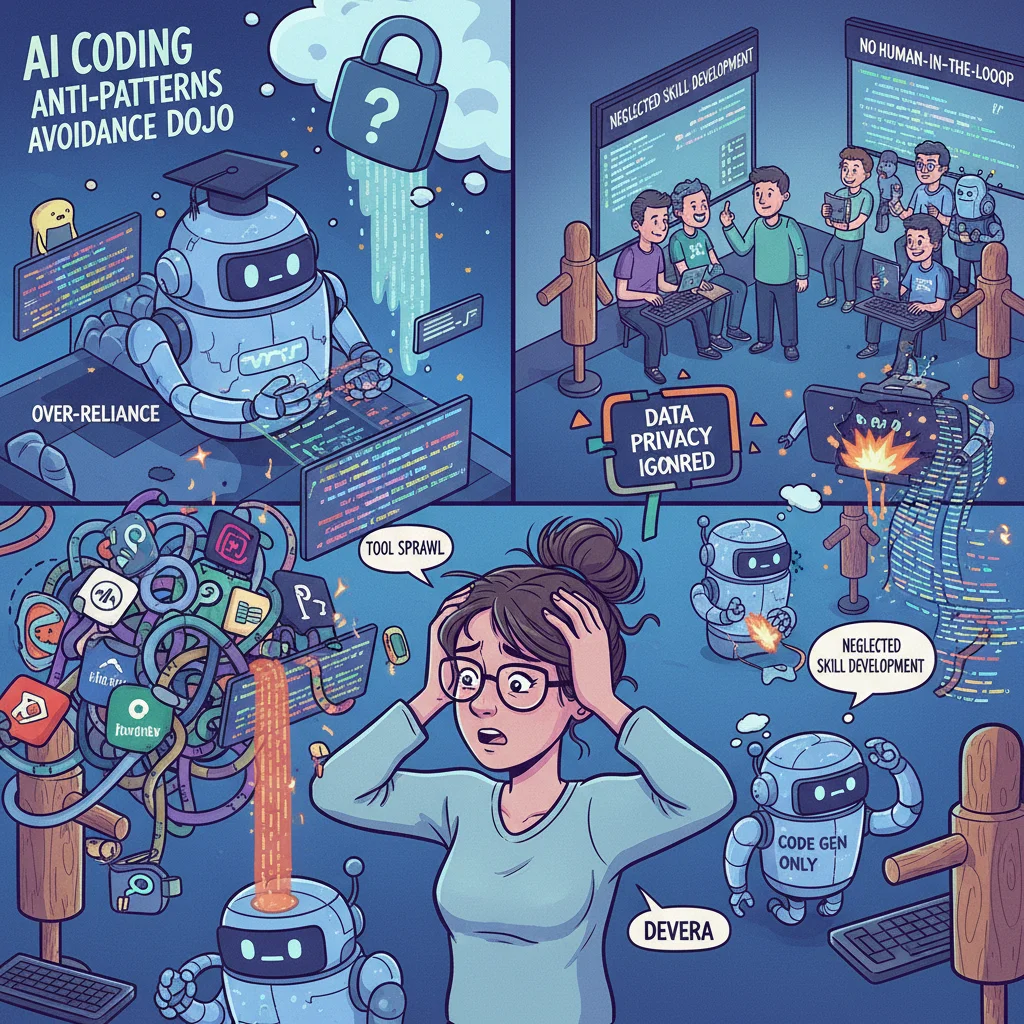
The most common mistakes teams make:
- Giving everyone access to every tool without guidance
- Letting individual developers or managers choose tools independently
- Adding new tools based on marketing or one influential engineer's preference
- No process for reviewing and removing underused tools
- No quality or security review process for AI-generated code
These patterns almost always lead to higher costs, lower productivity, and frustrated developers.
Another subtle anti-pattern is measuring success by adoption dashboards instead of defect rates, review time, or lead time. High click counts on three overlapping assistants usually mean confusion, not productivity.
The fix is cultural as much as technical: leaders model the approved stack in code reviews, call out redundant tooling in architecture forums, and reward teams that simplify rather than accumulate licenses.
Frequently Asked Questions
How many AI coding tools does a team actually need in 2026?
Most high-performing teams converge on 2-4 tools maximum: one primary daily driver, one specialized agent for complex work, and optionally a dedicated review tool. Teams with more than that usually have significant overlap and waste.
Should every developer use the same tools?
Yes for the core stack. Some flexibility can be allowed for specialized needs (e.g., Amazon Q for AWS-heavy work), but the daily driver and heavy agent should be standardized across the team to enable effective support and consistent code quality.
How do you prevent developers from just using whatever tool they like?
Successful teams make the approved stack the path of least resistance (pre-configured environments, excellent documentation, internal champions) while requiring justification and approval for unapproved tools. Most developers will use the supported path if it is genuinely good.
What is the biggest mistake teams make when building an AI coding stack?
The most common mistake is adding tools based on marketing or individual preference rather than solving a specific, measured problem. This leads to overlapping capabilities, license waste, and developer confusion.
How often should a team reassess its AI coding stack?
Every 6-9 months is reasonable given how fast the tools are improving. However, the core principle of minimizing overlap and having clear usage guidelines tends to remain stable even as individual tools change.