How We Tested AI Presentation Makers in 2026
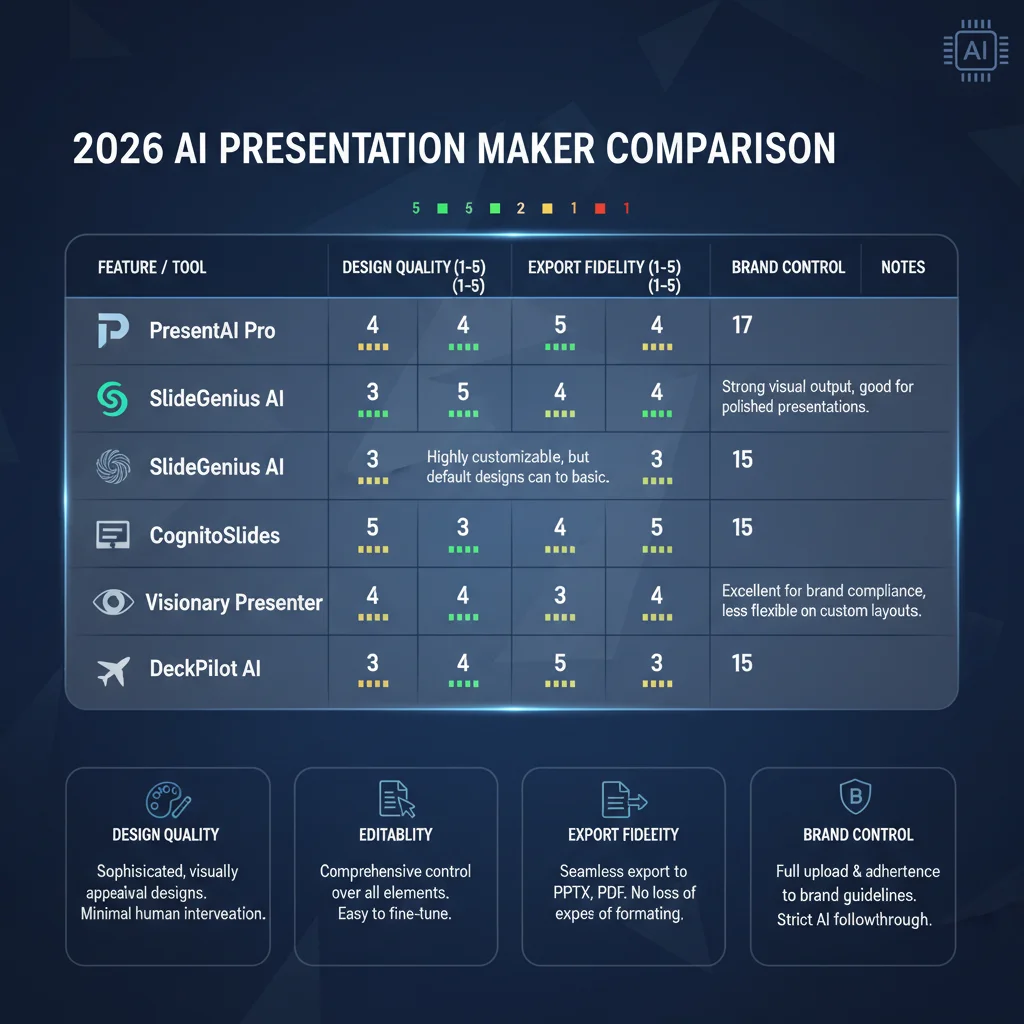
We tested the leading AI presentation tools on the exact deliverables that professionals actually have to produce: investor pitch decks, client strategy updates, quarterly business reviews, and internal platform roadmaps.
For each tool we used the same real source material (a 4-page Notion brief with data, narrative, and brand guidelines) and measured: - Time from prompt to usable first draft - How much manual design and layout work was still required - How clean the export was to traditional PowerPoint or PDF - How well brand consistency was maintained across a series of related decks
The differences were larger than marketing suggests. Some tools produce beautiful web-native decks in under a minute but require significant cleanup when you need a traditional 16:9 slide deck. Others enforce professional design so strictly that you cannot make an ugly presentation even if you try, but they are slower and less flexible for pure ideation.
1. Gamma – Best for Speed, Web Sharing, and First-Draft Quality
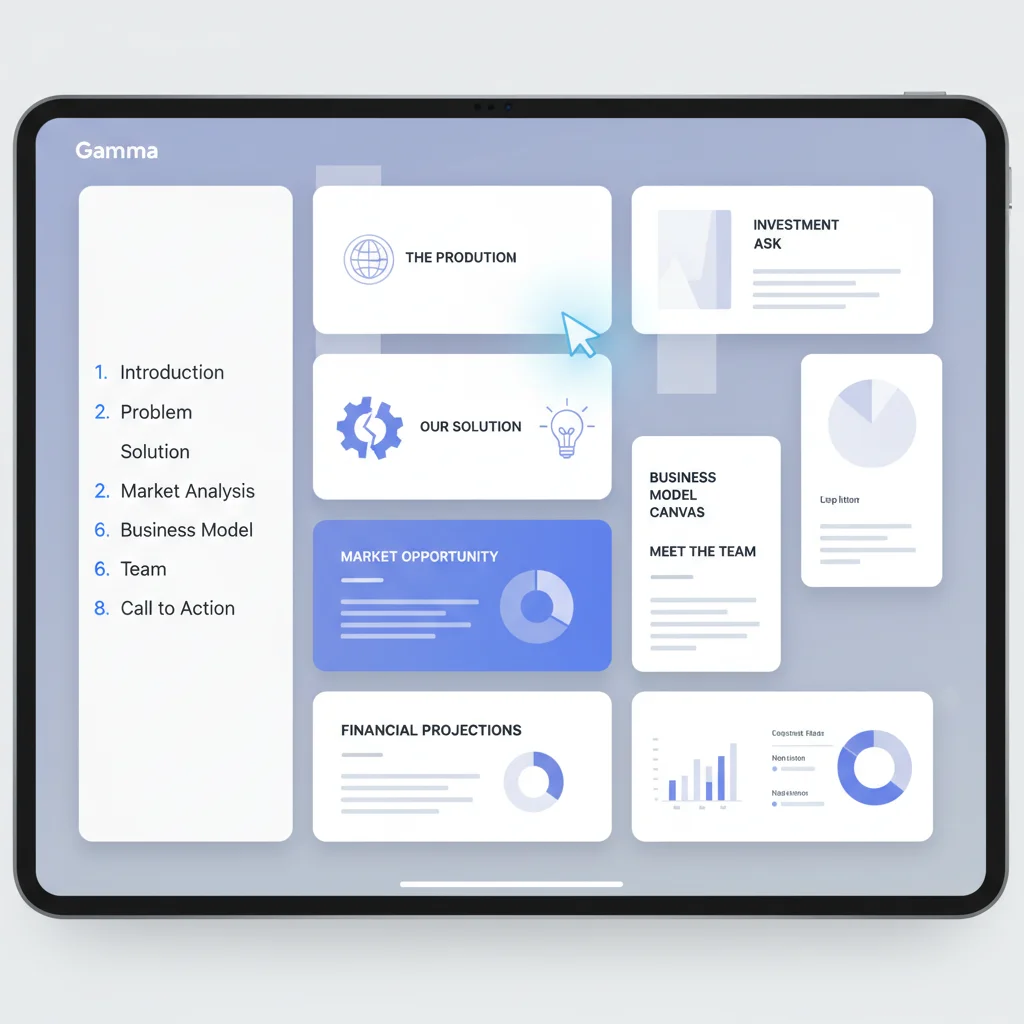
Gamma was the fastest tool from idea to something you can actually send to another human.
On a typical 12-15 slide investor update, Gamma produced a coherent, modern-looking first draft in 45-70 seconds from a simple prompt or pasted Notion doc. The narrative flow was surprisingly good. The AI-generated images and icons were on-brand enough that most people would accept them without changes for an internal or early-stage deck.
The web-native output (scrollable cards with embeds, videos, and charts) is excellent for async sharing. Many teams now prefer sending a Gamma link over a traditional PPT attachment because the recipient can consume it in 8 minutes on their phone instead of opening PowerPoint.
The main limitation is export quality. When we exported the same deck to PowerPoint, we consistently had to spend 20-40 minutes fixing layout shifts, font substitutions, and chart formatting. If your final deliverable must be a clean .pptx file for a client or investor who will present live, Gamma is usually the first step, not the last.
2. Beautiful.ai – Best for Brand-Consistent, Polished Traditional Slides
Beautiful.ai is the tool most professionals reach for when the deck has to look like it was made by a designer and the final format is a traditional slide presentation.
The Smart Slides technology is genuinely impressive. You can throw a lot of content at it and the layouts adjust intelligently while enforcing your brand rules. For teams that have invested in a Beautiful.ai brand kit, it is very hard to produce an off-brand or ugly deck.
Export to PowerPoint is the cleanest of the standalone tools we tested. Animations, transitions, and master slide relationships survive reasonably well. Many sales and marketing teams have standardized on Beautiful.ai precisely because the output requires the least cleanup before client delivery.
The trade-off is speed and flexibility. It is slower than Gamma at pure generation, and the design guardrails can feel restrictive if you want highly custom or experimental layouts. For high-volume, brand-sensitive work (sales decks, executive updates, client deliverables), the polish is usually worth the slight speed penalty.
3. Plus AI – Best When You Live Inside Google Slides or PowerPoint
Plus AI's biggest advantage is that it does not ask you to leave the tool your team already uses every day.
If your organization has standardized on Google Slides with approved master templates, or on PowerPoint with strict corporate branding, Plus AI lets you generate new slides, remix existing ones, and add charts while staying inside the exact file that will be presented. There is no export step and no risk of layout destruction.
The iteration workflow is also the most natural. You can highlight a few slides and ask the AI to "make this section more data-heavy and add competitive benchmarks" without leaving the deck. This is the experience most working professionals actually want.
The main limitation is that the creative "wow" factor of the first draft is usually lower than Gamma or Beautiful.ai. Plus AI is at its best when you already have a strong template and want AI to help you fill it faster and more intelligently.
4. Other Tools and the Built-in Options in 2026
Microsoft Copilot in PowerPoint and Gemini for Google Slides have improved enough that many internal teams now use them exclusively for routine updates. They are free or included with your existing license and the output quality on simple decks is good.
Canva's Magic Studio is surprisingly strong for teams that already live in Canva for other marketing assets. The template ecosystem is unmatched, and the AI features integrate cleanly with the rest of the platform.
Newer specialized tools (Alai, Presentations.AI) are worth watching for specific use cases like generating multiple layout variants or heavy agent-based editing, but they have not yet displaced the big three for most professional users.
How to Choose the Right AI Presentation Maker for Your Work in 2026
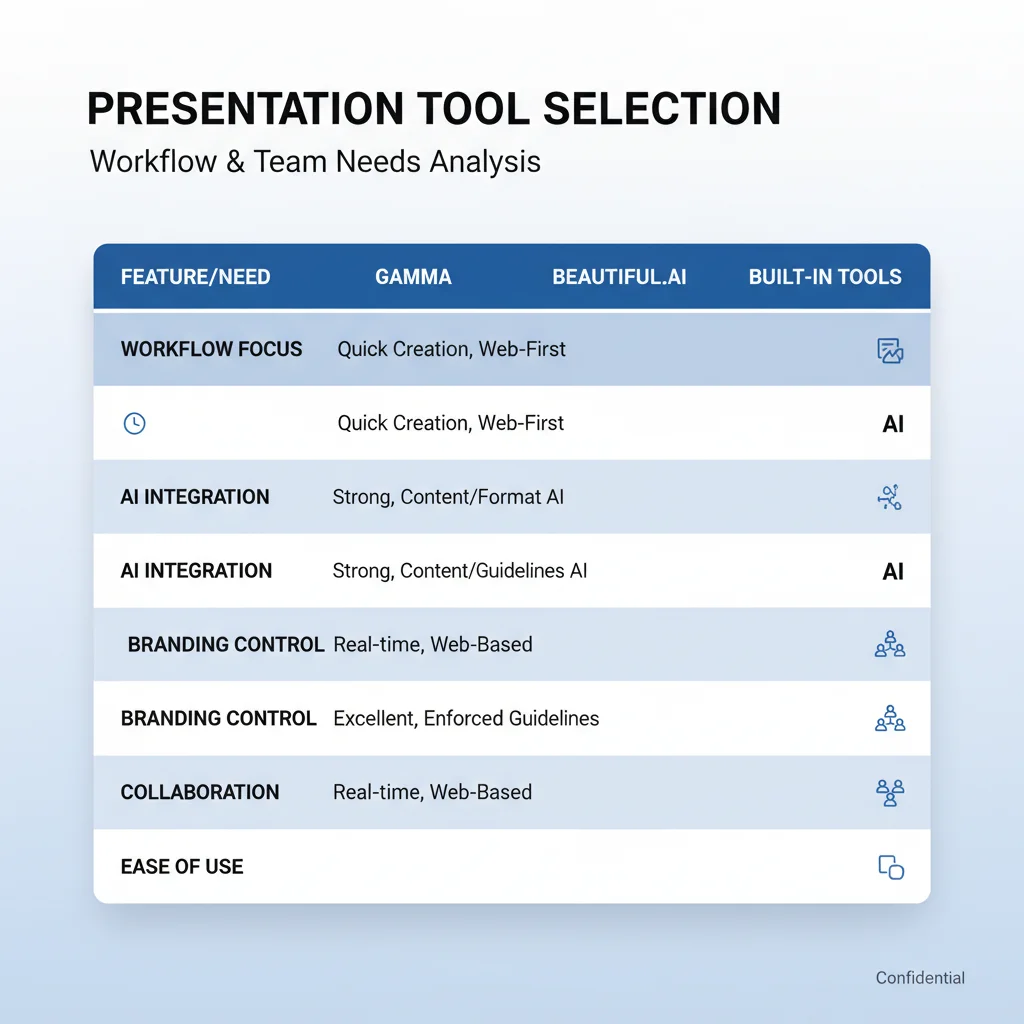
Most professionals who create decks regularly end up with a two-tool workflow:
- Gamma for the first 80% (narrative, structure, initial visuals) — fastest path to something usable
- Beautiful.ai or Plus AI for the final 20% (brand polish, data visualization, export to traditional slides)
If you only want one tool and your decks are mostly shared via link or async, start with Gamma. If brand consistency and traditional PowerPoint output are non-negotiable for client or executive work, start with Beautiful.ai. If you live inside Google Slides or PowerPoint and have approved templates, start with Plus AI.
Test the same real prompt you would actually use for work in two different tools this week. The difference in editing time and final quality will tell you more than any comparison article.
Frequently Asked Questions
Which AI presentation maker produces the most professional-looking decks with the least editing in 2026?
Beautiful.ai consistently required the least design cleanup for brand-consistent corporate and sales decks. Its Smart Slides and brand kits make it very hard to produce an ugly presentation even if you have no design skills.
Is Gamma good enough for client-facing or investor presentations?
Gamma is excellent for first drafts and async/web sharing. Many professionals use it to create the narrative and rough visuals, then move the deck into Beautiful.ai or Plus AI for final polish and traditional export. Pure Gamma decks sometimes need 20-40 minutes of layout fixes when exported to PPT.
How well do these tools handle existing brand templates and master slides?
Plus AI is the clear winner because it works natively inside your existing Google Slides or PowerPoint files. Beautiful.ai has strong brand kit support. Gamma and most standalone tools still produce the best results when you start fresh rather than trying to force an existing corporate template.
Are the built-in AI features in PowerPoint and Google Slides good enough now?
Microsoft Copilot and Gemini for Slides have improved a lot and are free or included with your existing license. They are often sufficient for simple internal updates. For high-stakes client or investor decks where design quality and narrative flow matter, the dedicated tools still have a noticeable edge in 2026.
What is the realistic time savings for a professional who creates 2-3 decks per month?
Most users report saving 2-4 hours per deck on the initial creation and design phase. The larger ongoing savings come from faster iteration and the ability to produce a solid first draft in minutes instead of starting from a blank slide every time.
How We Tested AI Presentation Makers in 2026
The professionals who win with AI presentation tools in 2026 are not the ones who find the single "best" tool. They are the ones who pick the right tool for each stage of the workflow and accept that the best decks are usually made with two tools, not one.