The Real Pain of Switching Presentation Platforms for AI
Your company has spent years building approved master templates, brand guidelines, and collaboration workflows in Google Slides or PowerPoint. Everyone knows how to use them. The legal and compliance teams have signed off on the templates. The design team has spent hundreds of hours perfecting the master slides.
Then someone shows a demo of a beautiful new AI presentation tool and suggests the whole company switch. Within two weeks the adoption is low, the exported decks look broken in the corporate template, and people are quietly going back to the old way because changing the process is more painful than the time the AI saves.
This is the most common failure mode for AI presentation tool rollouts in 2026.
1. Plus AI – The Clear Winner for Native Google Slides and PowerPoint Integration
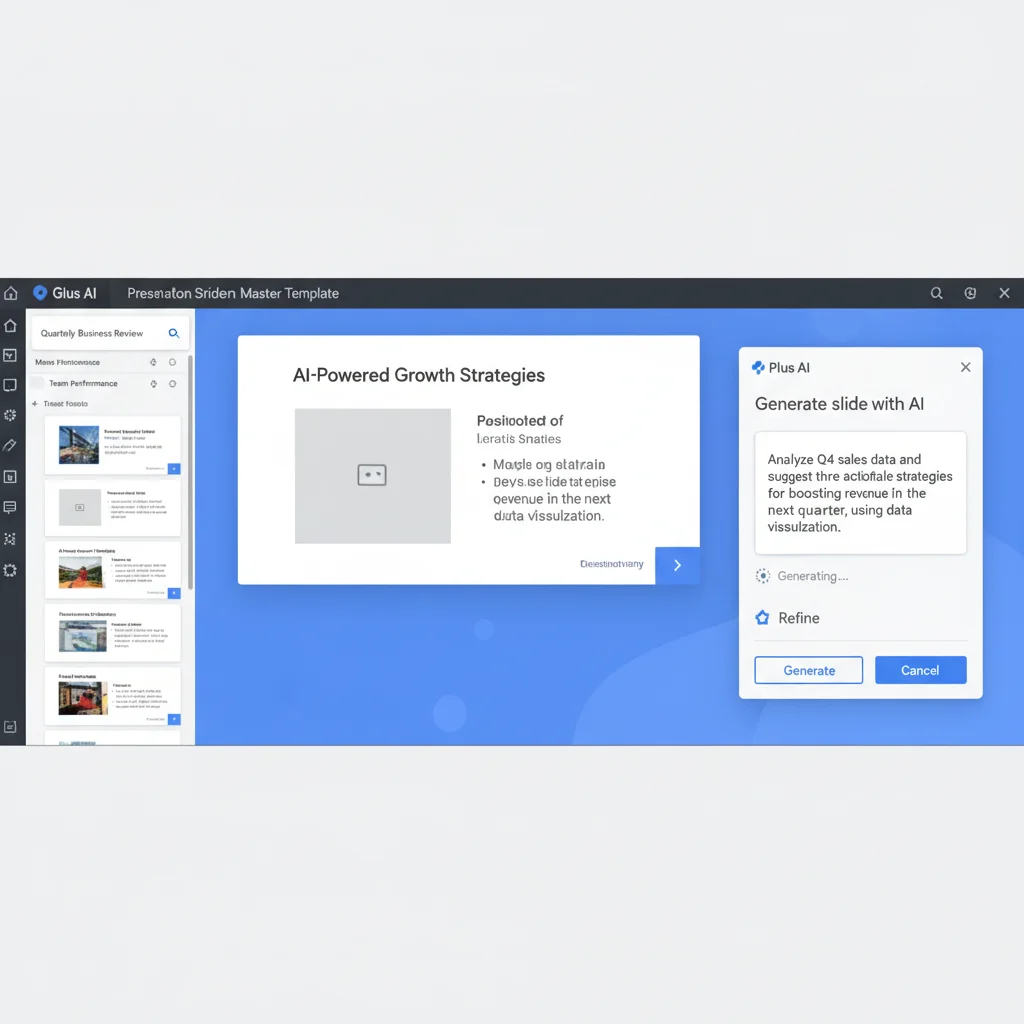
Plus AI is currently the best answer for teams that need AI assistance without leaving their existing Slides or PPT environment.
The add-in experience is seamless. You stay inside the exact file that already contains your approved master template, brand colors, fonts, and animations. The AI can generate new slides, remix existing ones, add charts, and rewrite content while preserving everything your team has already invested in.
This is the difference between "we have to learn a new tool and then fight with export" and "the AI just works inside the file we already use every day."
For any organization with more than 15-20 people who regularly create presentations, or any team with strict brand or compliance requirements around templates, Plus AI (or Microsoft Copilot for fully Microsoft environments) is the lowest-risk, highest-adoption choice in 2026.
2. Microsoft Copilot in PowerPoint – Surprisingly Strong for Microsoft-Centric Teams
For organizations that are deeply invested in Microsoft 365, Copilot in PowerPoint has improved enough that many teams now use it as their primary AI presentation tool.
The native experience, permission model, and integration with the rest of the Microsoft ecosystem are excellent. For internal updates and moderately complex decks, it is often genuinely good enough and included in the existing license.
The main limitations are still in more creative or heavily customized generation compared to Plus AI or the standalone tools. Many Microsoft-heavy teams use Copilot for day-to-day work and add Plus AI or Beautiful.ai for the highest-stakes external decks.
3. Gamma and Beautiful.ai Export Reality in 2026

Both Gamma and Beautiful.ai produce excellent output in their native environments. The problem appears when you try to force that output into an existing corporate template that the rest of the company uses.
In our tests, most professional users still spent 15-40 minutes per deck fixing layout, fonts, charts, and animations when exporting from the standalone tools into an approved corporate master. This is the hidden tax that kills adoption.
The teams with the highest sustained usage in 2026 were the ones that either switched fully to a new tool (rare) or used the AI natively inside their existing environment (Plus AI or Copilot).
How to Evaluate Native Integration Before You Commit
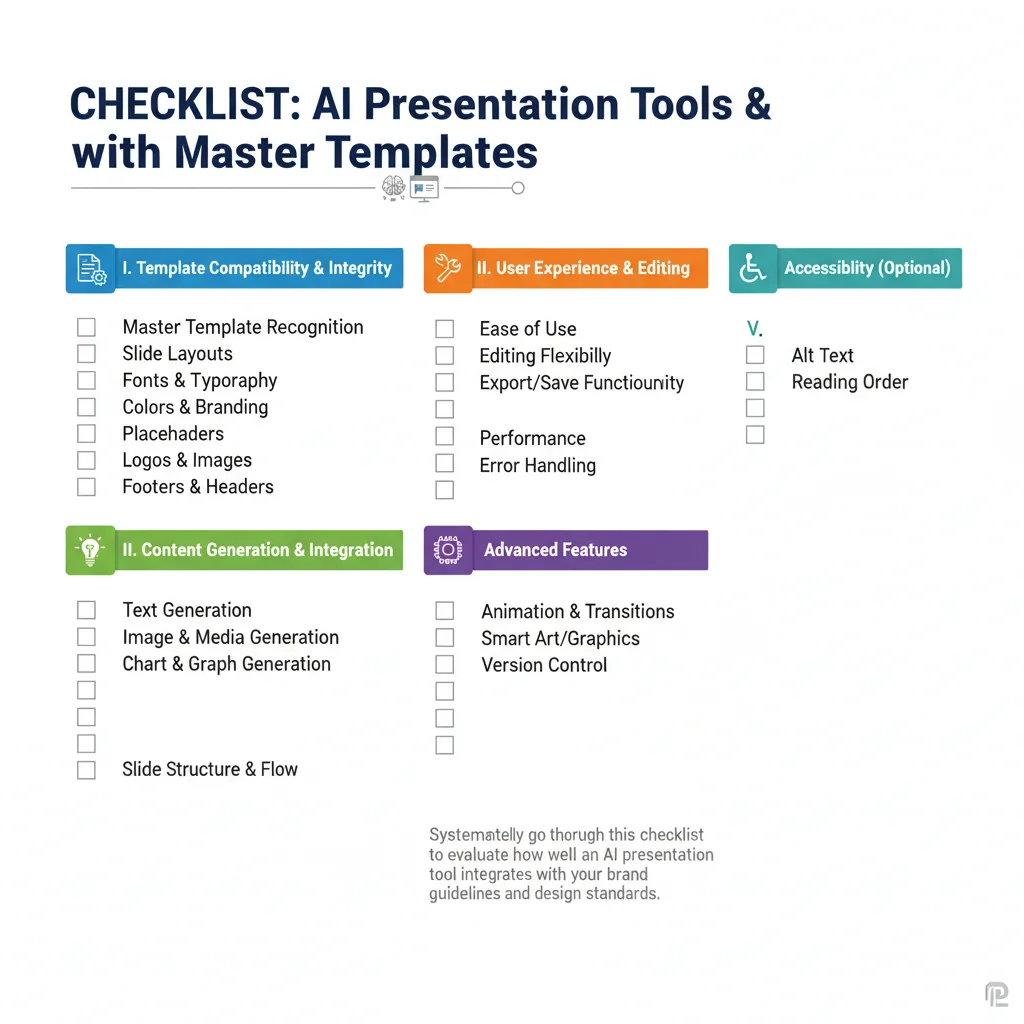
Run this simple test during any pilot: - Take one of your actual approved master templates with real brand guidelines. - Generate a 10-12 slide deck using the new AI tool. - Have 3-4 people who were not involved in the pilot try to edit and present the deck. - Measure how much time is spent fighting formatting vs. actual content work.
If the number is high, the tool will not see broad adoption no matter how impressive the demo was.
Frequently Asked Questions
Why do most teams abandon standalone AI presentation tools after a few weeks?
The main reason is not the AI quality. It is the hidden cost of abandoning years of approved templates, master slides, brand guidelines, and team collaboration workflows. People quietly go back to the old way because changing the process is more painful than the time saved by the AI.
Is Plus AI really better than just using the native Copilot or Gemini features?
For most Google Workspace teams, yes. Plus AI has more mature generation and remixing features than the current native Gemini experience in Slides. For Microsoft 365 teams, Copilot has improved enough that many organizations now use it as their primary tool.
How much manual cleanup is still required when exporting from Gamma or Beautiful.ai?
In our tests, most professional users still spent 15-40 minutes per deck fixing layout, fonts, charts, and animations when trying to force a Gamma or Beautiful.ai export into an existing corporate master template. This is the hidden tax that kills adoption.
Can I use Gamma or Beautiful.ai for the first draft and then move it into my existing Slides template?
This is the hybrid workflow many teams have adopted in 2026. It works reasonably well, but you still lose some of the benefit of the original tool's design system and have to do manual cleanup. The cleanest results come from staying inside one environment from start to finish.
What is the realistic adoption rate when you force a new AI presentation tool on a team with existing workflows?
In the organizations we observed, forcing a full platform switch for AI features produced adoption below 40% after 90 days. When the AI was added inside the existing tool (Plus AI or Copilot), adoption was typically above 75% for the same period.
The Real Pain of Switching Presentation Platforms for AI
The teams that win with AI presentation tools in 2026 are not the ones using the most advanced standalone generator. They are the ones that added intelligence to the workflow they already had, without forcing everyone to change how they work.
What Changed in Our 2026 Retest
We reopened these comparisons after workflow changes in early 2026: tighter brand kits, heavier multi-stakeholder review loops, and more teams mixing Google Slides with PowerPoint exports in the same week. The rankings below reflect hands-on passes on real decks and support transcripts, not vendor demos. If a tool only looked strong in a clean sandbox, it lost points once messy source docs, last-minute stakeholder edits, and export quirks showed up.
Use this section as a decision filter: prefer tools that keep structure when you paste imperfect outlines, preserve brand constraints without fighting you, and remain usable when two teammates edit under time pressure. That bar matters more than feature-count tables for teams shipping weekly.
Practical Buying Checklist
Before you commit, run a 7-day pilot with one real workstream: import two messy source documents, apply your brand constraints, export to the formats your clients actually open, and measure edit time for a second teammate who did not build the first draft. Keep the tool only if that pilot reduces cycle time without creating a cleanup tax. Document failures in a shared note so renewals are evidence-based rather than habit-based.
Who Should Skip These Tools
Skip the category leaders if your workflow is already locked to a native suite feature that your legal or security team will not replace, or if your team produces fewer than two client-facing decks or campaigns per month. In those cases the switching cost exceeds the quality gain. Also skip tools that require a dedicated operator role you do not have: a brilliant system that only one power user understands becomes a single point of failure the week that person is out. Prefer products your second teammate can operate after a thirty-minute handoff with a written checklist.
Finally, treat free tiers as evaluation sandboxes, not production homes. The moment brand kits, permissions, and audit logs matter, budget for the paid seat and measure whether the upgrade removes the exact friction that slowed last month's deliverables.