Finding the best ai image generator for marketing in 2026 requires looking far beyond mere aesthetic appeal. While hobbyists might prioritize dreamlike digital art, professional marketing and advertising creatives need tools that deliver brand consistency, precise ad formats, and commercial safety. The landscape has matured, moving past chaotic prompt-guessing to structured, enterprise-grade workflows.
Marketing and advertising campaigns demand high-velocity asset production without sacrificing quality. Whether you are building social media graphics, display ads, or conceptual mood boards, the tool you choose directly impacts your team's efficiency and legal safety. In this guide, we break down the leading AI image generators based on real-world marketing workflows, prompt adherence, and commercial viability.
How to Choose the Best AI Image Generator for Marketing
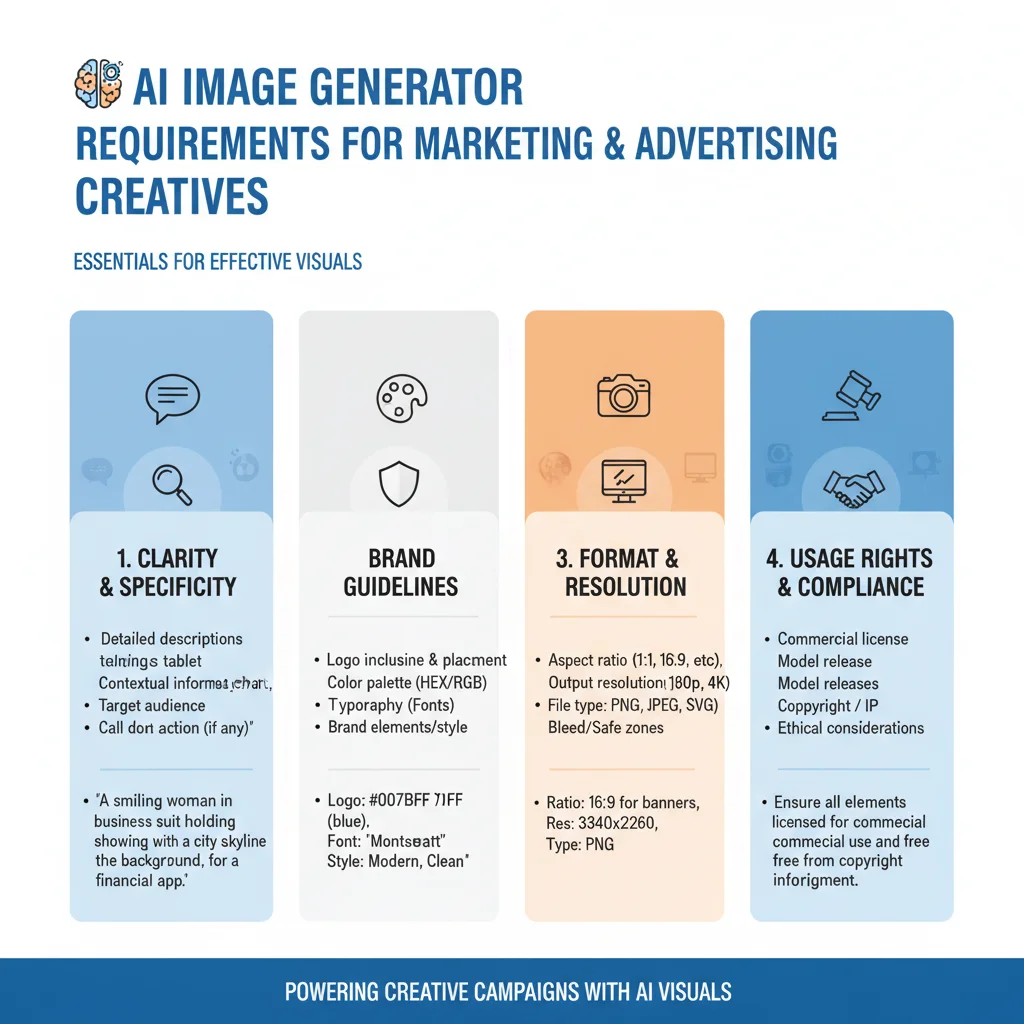
Marketing and advertising creatives have requirements that make AI image generation more challenging than general creative work. When evaluating the best ai image generator for marketing campaigns, professional teams must look beyond basic image output and assess several critical operational factors:
- Brand consistency: Images need to align with established brand guidelines, color palettes, and visual styles across dozens or hundreds of assets in a campaign. A tool that cannot replicate a specific brand aesthetic is of limited use for production work.
- Ad format optimization: Marketing assets must work across a wide variety of formats, including vertical social media stories, square Instagram posts, wide display banners, and high-resolution print ads. The generator must support precise aspect ratios and maintain composition quality across all dimensions.
- Commercial safety and licensing: Images used in paid advertising or customer-facing work need to be commercially safe and properly licensed. Using tools trained on copyrighted material without permission poses significant legal risks for brands.
- Speed and workflow integration: Marketing calendars are relentless. Creative teams need tools that generate high-quality assets quickly, offer robust API access for automation, and integrate seamlessly with existing design software like Photoshop, Figma, or Illustrator.
The AI image generators that work best for marketing and advertising are the ones that best support these specific professional requirements, not just the ones that produce the most beautiful images.
1. Flux – The Best AI Image Generator for Marketing Production Assets
Flux, developed by Black Forest Labs, has quickly established itself as the best all-around AI image generator for most professional marketing and advertising production assets. Built by the original creators of Stable Diffusion, Flux offers an open-weights architecture that provides unparalleled control, exceptional prompt adherence, and industry-leading photorealism.
Why Flux Excels in Marketing Workflows
In our testing with professional marketing and advertising teams, Flux excelled at producing clean, professional marketing visuals that align with strict brand guidelines. Its ability to render realistic human skin textures, accurate hands, and complex lighting makes it the premier choice for generating product photography and lifestyle imagery suitable for e-commerce and active campaigns.
Furthermore, Flux handles text rendering exceptionally well compared to older legacy models. If your ad creative requires integrated text elements, product labels, or specific signage, Flux can generate legible, stylized text directly within the image, saving designers hours of post-processing work.
Key Features for Advertisers
- Unmatched Prompt Adherence: Flux follows complex, multi-layered prompts with incredible accuracy, ensuring that specific brand assets, product placements, and scene compositions are rendered exactly as requested.
- Consistent Style Replication: Through fine-tuning and LoRA (Low-Rank Adaptation) training, marketing teams can train Flux on their own brand assets to generate highly consistent imagery across entire campaigns.
- Flexible Deployment: Because Flux is open-weights, enterprise marketing teams can run it locally or via secure private clouds, ensuring complete data privacy and security for unreleased product designs.
Most professional marketing and advertising teams should reach for Flux first for the majority of their production asset needs in 2026.
Limitations: While Flux is highly versatile, its native text rendering—though excellent—is still occasionally outmatched by specialized text-first generators like Ideogram. Additionally, for highly conceptual, abstract, or painterly campaign work, Midjourney still holds a slight creative edge.
2. Midjourney – Best AI Image Generator for Marketing Concepts and Mood Boards
Midjourney remains the best choice for the creative concept and mood exploration phases of marketing campaigns, where artistic quality, cinematic lighting, and unique visual styles matter more than strict photorealism or immediate commercial usability.
The Creative Powerhouse of Ideation
In our testing, Midjourney excelled at generating creative campaign concepts and mood boards. When a marketing team is pitching a new campaign direction to a client, they need visuals that evoke emotion, establish a distinct mood, and push creative boundaries. Midjourney’s proprietary rendering engine produces highly stylized, distinctive visual directions that feel premium and artistic right out of the box.
With the introduction of its dedicated web interface and advanced parameters like Style Reference (--sref) and Character Reference (--cref), Midjourney has made it much easier for creative directors to maintain visual continuity during the brainstorming phase of a project.
Why Agencies Rely on Midjourney
- Aesthetic Superiority: Midjourney has an innate understanding of cinematic lighting, photographic composition, and artistic styles, making it the preferred tool for high-end creative directors.
- Rapid Style Exploration: Using style codes and reference images, teams can explore dozens of wildly different visual directions for a pitch in a matter of minutes.
- Active Creative Community: The platform's web feed allows designers to draw inspiration from other creators, accelerating the creative discovery process.
Many creative teams and agencies use Midjourney as their primary tool for the conceptual and exploratory phases of campaigns, then move to Flux or Firefly for final production assets.
Limitations: Midjourney lacks an official, easily accessible API for automated marketing workflows, making bulk asset generation difficult. Its text rendering can still be inconsistent, and because its training data sources remain opaque, some risk-averse enterprise legal departments hesitate to use its raw outputs directly in paid advertising campaigns.
3. Adobe Firefly – Best AI Image Generator for Marketing with Strict Brand Safety

Adobe Firefly is the safest choice for marketing teams with strict brand safety and licensing requirements, especially those already deeply integrated into the Adobe Creative Cloud ecosystem.
Enterprise-Grade Legal Safety
In our testing, Firefly's primary advantage was its training methodology. Unlike other models that scrape the open web, Firefly is trained exclusively on licensed Adobe Stock content, openly licensed content, and public domain content where the copyright has expired. This unique approach allows Adobe to offer enterprise customers legal indemnification against copyright claims, making it the undisputed best ai image generator for marketing teams operating in highly regulated industries or risk-averse corporate environments.
Seamless Creative Cloud Integration
Firefly is not just a standalone web tool; it is deeply embedded into the software that designers use every day. Features like Generative Fill in Photoshop, Generative Recolor in Illustrator, and text-to-image tools in Adobe Express allow creatives to generate and edit assets without disrupting their existing workflows.
- Commercial Peace of Mind: Complete legal safety and indemnification for enterprise users, eliminating copyright concerns in paid media.
- Workflow Efficiency: Direct integration with Photoshop and Illustrator allows designers to edit, expand, and refine AI-generated assets instantly.
- Brand Control Features: Firefly allows teams to upload reference images to enforce specific brand color palettes and structural layouts across all generations.
Many enterprise marketing teams use Firefly for safe, commercial-safe base assets and then refine or combine with Flux or Midjourney for creative quality.
Limitations: Firefly generally produces lower creative quality and less dramatic artistic styling than Flux or Midjourney. It can sometimes feel overly "safe" or sterile, meaning it is often used as a starting point or editing tool rather than a final, standalone creative solution.
Comparing the Top AI Image Generators for Marketing Teams
To help your creative team choose the right tool for your specific production needs, we have compared the top three platforms across the key metrics that matter most to professional marketers:
| Feature / Metric | Flux (Black Forest Labs) | Midjourney | Adobe Firefly |
|---|---|---|---|
| Primary Use Case | Production Assets & Realism | Ideation & Mood Boards | Brand-Safe Commercial Work |
| Prompt Adherence | Exceptional | Very Good | Good |
| Text Rendering | Excellent | Moderate | Basic |
| Commercial Safety | High (Self-hosted/Custom) | Moderate (Opaque training data) | Maximum (Indemnified) |
| Workflow Integration | Excellent (Open API) | Poor (No official API) | Excellent (Creative Cloud) |
The AI Image Workflow That Works for Marketing and Advertising Teams
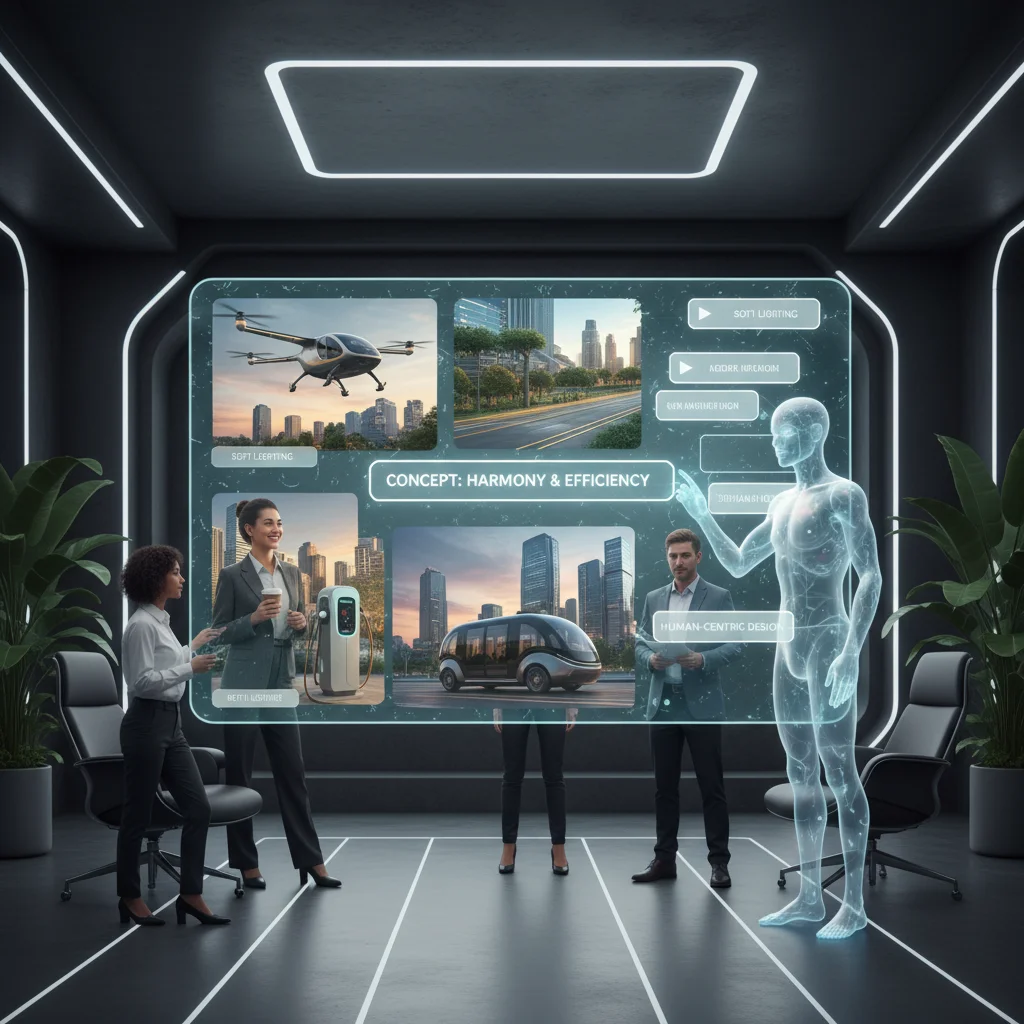
The most effective workflow for most professional marketing and advertising teams does not rely on a single tool. Instead, successful agencies and in-house teams combine the strengths of multiple generators to create a highly efficient, multi-stage pipeline:
- Creative exploration: Use Midjourney or Flux to generate initial concepts, explore visual directions, and build mood boards for client pitches or internal alignment.
- Production assets: Use Flux (or Firefly for brand-safe work) to generate high-resolution, final production assets based on the approved creative direction.
- Human editing and refinement: Perform color correction, composition adjustments, brand alignment, and text cleanup in Photoshop, Illustrator, or Figma.
- Brand safety and legal review: Conduct a final compliance check before using any AI-generated image in paid advertising, social media campaigns, or customer-facing print work.
Almost all AI-generated images used in professional marketing work require substantial human editing and refinement before they are campaign-ready. Expect to spend 30-60% of the total project time on human editing and refinement for marketing-quality assets. By treating AI as a powerful collaborative assistant rather than a complete replacement for human designers, marketing teams can dramatically increase their creative output while maintaining the highest standards of brand integrity.
Related reading: Best Image Tools for Text · Best Image Workflow for Designers · Best Image Generator for Product