Professional designers in 2026 face a unique challenge: balancing rapid creative iteration with pixel-perfect execution. Finding a reliable, high-quality ai image generator for figma adobe workflow setups is no longer a luxury—it is a core operational requirement. When your daily stack is split between vector layouts in Figma and advanced raster editing in Adobe Creative Cloud, disjointed browser-based AI tools only slow you down. This guide breaks down how to build a high-performance creative pipeline that bridges the gap between generative AI and professional design systems.
The Search for the Best AI Image Generator for Figma Adobe Workflow Integration
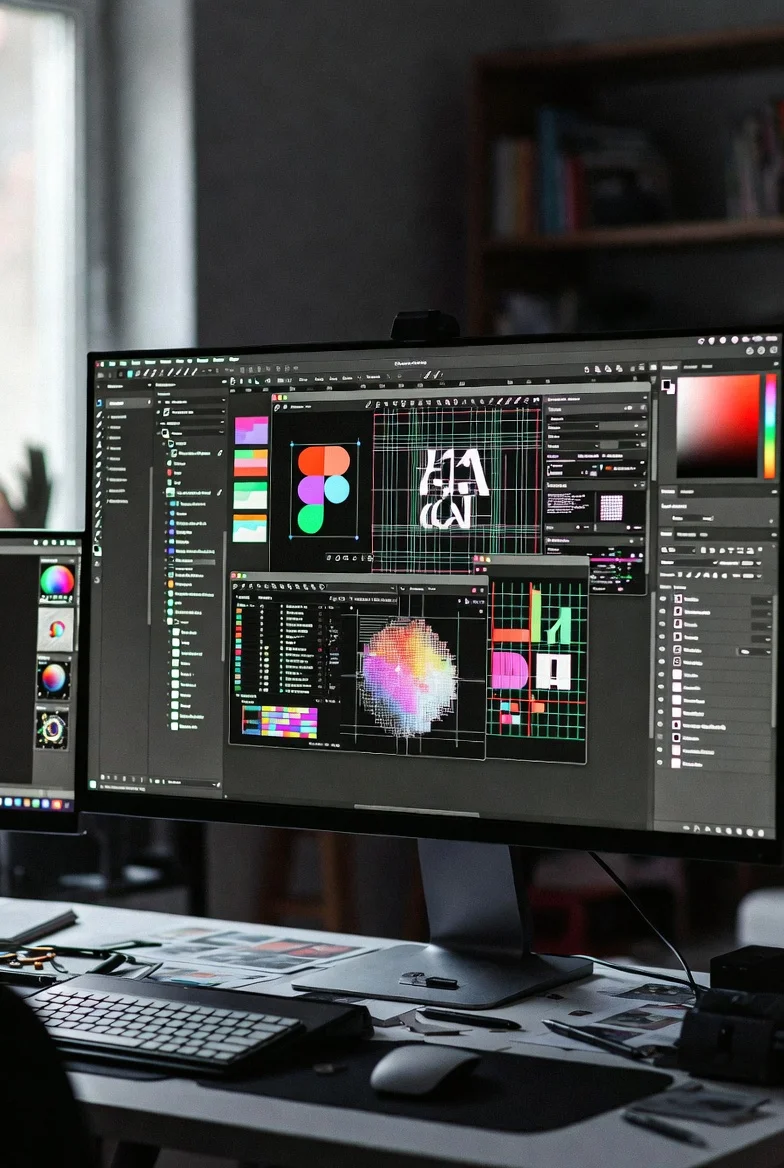
Professional designers working primarily in Figma, Photoshop, Illustrator, or other Adobe Creative Cloud tools face a unique set of challenges when trying to integrate AI image generation into their workflows:
- Workflow friction: Exporting from an external AI tool, importing into Figma or Photoshop, and then doing substantial manual editing breaks the creative flow and adds significant time overhead.
- Brand consistency: AI-generated images often do not align with established brand guidelines, requiring extensive manual adjustment to match colors, typography, style, and composition standards.
- Creative control: Many designers feel that AI tools take creative control away from them, producing images that are "close but not quite right" and require extensive rework to match their vision.
- Quality standards: Professional design work has high quality standards that AI-generated images often do not meet without significant human refinement.
To help you choose the right tool for your specific setup, here is a quick comparison of how the leading AI image generators perform when integrated into a Figma and Adobe Creative Cloud environment:
| AI Generator | Figma Integration | Adobe Integration | Best Use Case |
|---|---|---|---|
| Adobe Firefly | Indirect (via export/import) | Excellent (Native panels) | Brand-safe production assets & vector generation |
| Flux | Good (via third-party plugins & APIs) | Moderate (via web UI or local plugins) | High-fidelity photorealism & flexible styling |
| Midjourney | Indirect (via web UI/Discord) | Indirect (via web UI/Discord) | Early-stage concept exploration & mood boards |
The AI image workflows that work best for professional designers are the ones that minimize these integration challenges while still delivering the speed and creative exploration benefits of AI.
1. Adobe Firefly + Photoshop/Illustrator – Best for Designers Already in the Adobe Ecosystem
For professional designers who are already working primarily in Adobe Creative Cloud (Photoshop, Illustrator, InDesign, etc.), Adobe Firefly + Photoshop/Illustrator is currently the best integrated AI image workflow.
In our testing with Adobe-centric designers, Firefly's advantages included:
- Seamless integration with Photoshop and Illustrator (generate directly in the app, no export/import needed)
- Brand safety and licensing advantages (trained on licensed Adobe Stock content)
- Good brand safety controls and content filtering
- Familiar Adobe interface and workflow
Many enterprise and agency designers who are already in Adobe Creative Cloud find that Firefly + Photoshop/Illustrator is the path of least resistance for integrating AI image generation into their existing workflows. For instance, using Generative Fill directly inside Photoshop allows you to modify specific layers without leaving your canvas, keeping your non-destructive editing pipeline intact.
Limitations: Firefly generally produces lower creative quality than Flux or Midjourney, so many designers use it for brand-safe base assets and then refine with other tools or traditional techniques.
Evaluating Flux as an AI Image Generator for Figma Adobe Workflow Setups
For professional designers who prioritize maximum image quality and creative flexibility over native, out-of-the-box integration, Flux + Figma/Photoshop is currently the best workflow. Because Flux is highly customizable and open-source, it has quickly become a favorite ai image generator for figma adobe workflow pipelines that require custom styling.
In our testing, designers who developed efficient Flux + Figma/Photoshop workflows reported:
- Significantly higher image quality than Firefly for most use cases
- Good flexibility to generate in Flux and refine in Figma or Photoshop
- The ability to maintain brand consistency through careful prompting and human refinement
The key to making this workflow work is developing efficient import/refinement processes in Figma and Photoshop (using plugins, actions, or established workflows) so that the integration friction doesn't outweigh the quality benefits. Many design teams use Figma plugins that connect directly to Flux APIs, allowing them to generate high-fidelity assets directly inside their Figma frames.
Limitations: Requires more workflow friction than native Adobe Firefly integration, and text rendering is still not as good as Ideogram for text-heavy designs.
3. Midjourney and Other Tools in Professional Design Workflows
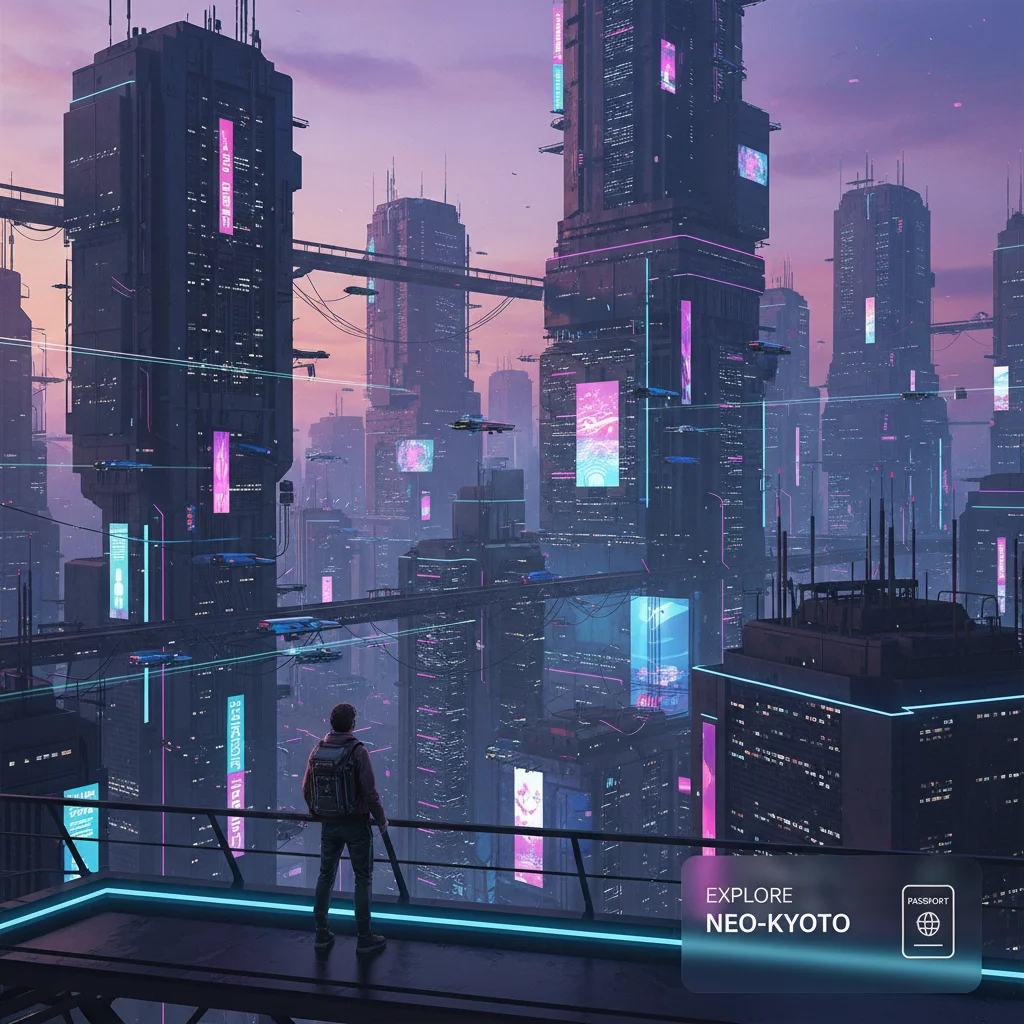
Midjourney remains valuable for professional designers during the creative concept exploration and mood board phases of projects, where artistic quality and unique visual styles matter more than production-ready assets.
In our testing, successful designers used Midjourney for:
- Early concept exploration and mood boards
- Creative direction and visual brainstorming
- Generating unique, stylized visual directions that could then be refined in Figma or Photoshop
Many designers treat Midjourney as a creative exploration tool rather than a production asset generator, moving to Flux or Firefly for final production assets.
Other specialized tools (Leonardo for character design, etc.) can be useful for specific niches but are not the best all-around choices for most professional design workflows.
Step-by-Step: Setting Up an AI Image Generator for Figma Adobe Workflow Blueprint
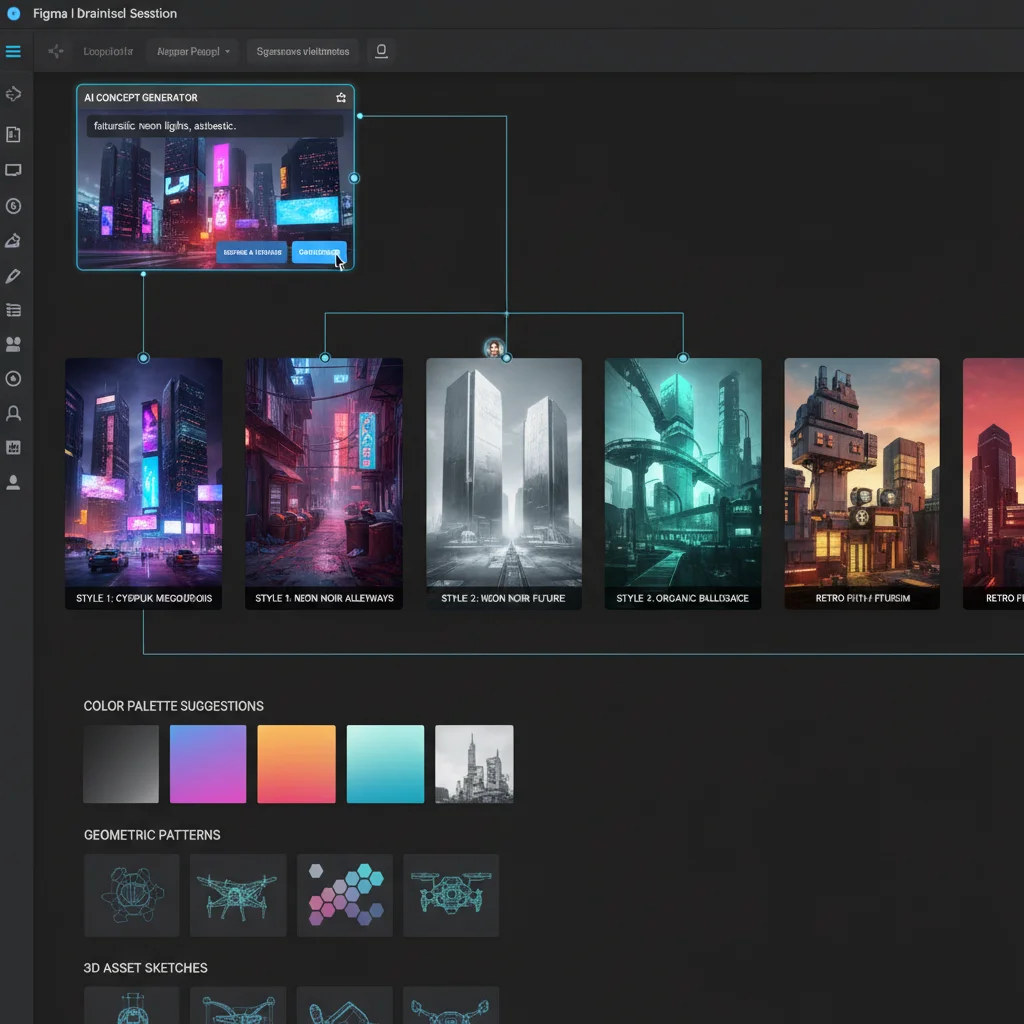
The most effective workflow for most professional designers working in Figma and Adobe Creative Cloud involves a hybrid approach. By combining the strengths of different tools, you can build a highly optimized pipeline:
- Creative exploration: Use Midjourney or Flux to generate concepts, mood boards, and visual directions. This is where you establish the aesthetic tone of your project.
- Production assets: Use Flux (or Firefly for brand-safe work) to generate final production assets. If you are using an API-based ai image generator for figma adobe workflow plugin, you can generate these assets directly inside your active project files.
- Refinement and integration: Import into Figma or Photoshop, apply brand guidelines, adjust composition, and integrate with other design elements. Use Photoshop's Generative Fill to clean up edges or add missing details.
- Human creative direction: Apply professional design judgment throughout the process to ensure quality, brand consistency, and strategic alignment.
This approach typically delivers 20-40% time savings on projects that involve significant image generation, with higher savings (40-60%) on the concept exploration and mood board phases. The key is treating AI as one tool in a broader creative workflow, not as a replacement for traditional design skills and judgment.
Maximizing Efficiency and Maintaining Brand Consistency
The professional designers getting the best results from AI image generation in 2026 are not the ones chasing the single "best" AI image generator. They are the ones building efficient, multi-tool workflows that match the right AI tool to each phase of the creative process and applying substantial human creative direction and refinement in their primary design tools (Figma, Photoshop, Illustrator).
Expect to spend 20-40% of the total project time on AI generation and 60-80% on human refinement, integration, and creative direction. No AI image generator in 2026 can replace the creative judgment, brand stewardship, and technical design skills of professional designers. By setting up a structured pipeline, you can leverage these tools to eliminate repetitive tasks and focus on what truly matters: great design.
Related reading: Best Image Tools for Text · Best Image Generator for Marketing · Best Image Generator for Product
Who this AI image workflow is for
This guide is for professional designers who already live in Figma and Adobe tools and want a practical AI image workflow that survives real client revisions, brand constraints, and production handoff — not just impressive one-off demos.
Quick checklist before you buy into a stack
- Can you keep brand colors and typography consistent across generations?
- Is commercial licensing clear for client deliverables?
- Does the workflow export cleanly into Figma or Photoshop without endless cleanup?
- Can your team reproduce results with shared prompts and seed notes?