When searching for the best ai art generator with text, professionals and creators often face a common frustration: garbled letters, bizarre spelling, and chaotic layouts. Text rendering quality has become a major differentiator for AI image generators in 2026 because so many professional use cases require clean, readable text in generated images. Whether you are designing marketing assets, social media graphics, or product packaging, having an AI tool that can accurately spell and beautifully render typography is no longer a luxury—it is an absolute necessity for modern workflows.
Why Finding the Best AI Art Generator with Text Matters in 2026
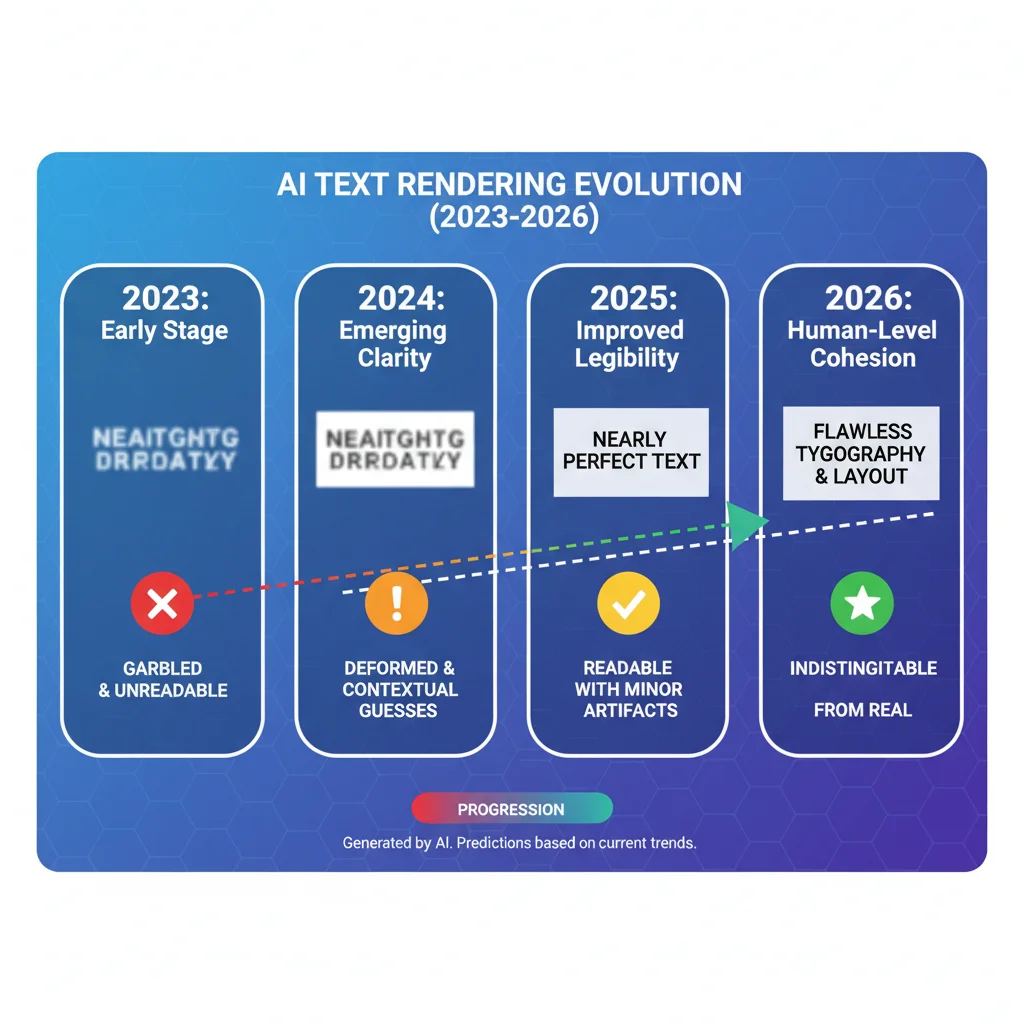
In the early days of generative AI, text was the ultimate weak point. Models struggled to understand that letters are distinct semantic units rather than random patterns of lines and curves. By 2026, the landscape has shifted dramatically. While some tools still produce frustrating gibberish, the industry leaders have integrated advanced diffusion transformer architectures that treat text with the precision of a professional graphic designer.
For businesses and creators, using the best ai art generator with text directly impacts the bottom line by reducing the time spent on manual post-processing. Consider how many projects rely on integrated text:
- Logos and brand marks: Creating cohesive brand assets where the company name is perfectly integrated into the graphic.
- Social media graphics: Generating ready-to-publish Instagram posts, Pinterest pins, and LinkedIn banners with clear headlines or calls to action.
- Presentation slides: Designing custom visual aids and pitch decks with readable labels and titles.
- Marketing materials: Crafting digital ads, promotional banners, and product mockups with clean, readable copy.
- Packaging mockups: Visualizing physical products with accurate product names, ingredients, and descriptions.
- Infographics: Structuring complex data visualizations where labels and numbers must be legible.
To help you choose the right tool, we have compiled a comparison table summarizing how the leading AI image generators perform when rendering text in 2026:
| AI Image Generator | Text Accuracy Rating | Font Style Variety | Best Use Case | Overall Image Realism |
|---|---|---|---|---|
| Ideogram | Excellent (9.5/10) | Outstanding | Typography & Graphic Design | Good |
| Flux | Very Good (8.5/10) | Moderate | Photorealism & Layouts | Excellent |
| Midjourney | Fair (6.0/10) | Limited | Artistic & Stylized Text | Outstanding |
| DALL-E 3 | Moderate (6.5/10) | Basic | Quick Concept Ideation | Good |
Top Contenders: Which Is the Best AI Art Generator with Text?
To determine which platform reigns supreme, we evaluated the most popular AI image generators on the market. Our focus was not just on whether they could spell a single word correctly, but how well they handled complex layouts, diverse font styles, and long sentences.
1. Ideogram – The Undisputed Leader for Typography
Ideogram remains the gold standard and arguably the best ai art generator with text available today. Since its inception, Ideogram has prioritized typographic accuracy, making it the go-to tool for graphic designers, poster creators, and brand managers.
Unlike competitors that treat text as an afterthought, Ideogram’s core model is trained to understand the relationship between textual prompts and visual letterforms. In our evaluations, Ideogram excelled at:
- Clean, readable typography: Rendering crisp sans-serif, elegant serif, bold display, and even complex script fonts without distortion.
- Spelling accuracy: Correctly spelling long phrases, sentences, and brand names with minimal errors.
- Layout control: Placing text precisely where requested (e.g., "centered at the top," "wrapped around a circle," or "written on a chalkboard").
- Prompt adherence: Translating complex stylistic instructions into cohesive visual designs.
The primary limitation of Ideogram lies in its organic photorealism. While its graphic design capabilities are unmatched, it sometimes falls short of Flux or Midjourney when generating highly complex, hyper-realistic human faces or intricate natural textures. Many designers solve this by generating their text assets in Ideogram and compositing them with other imagery.
2. Flux – The Powerful All-Rounder with Strong Text Capabilities
Developed by Black Forest Labs, Flux has quickly risen to become a massive competitor in the generative AI space. It is a highly versatile tool that balances incredible photorealism with robust text-rendering capabilities, making it a strong candidate for the best ai art generator with text.
Flux utilizes a advanced transformer-based architecture that allows it to follow prompts with extreme accuracy. When it comes to text, Flux is highly capable:
- It easily handles short phrases, single words, and simple sentences.
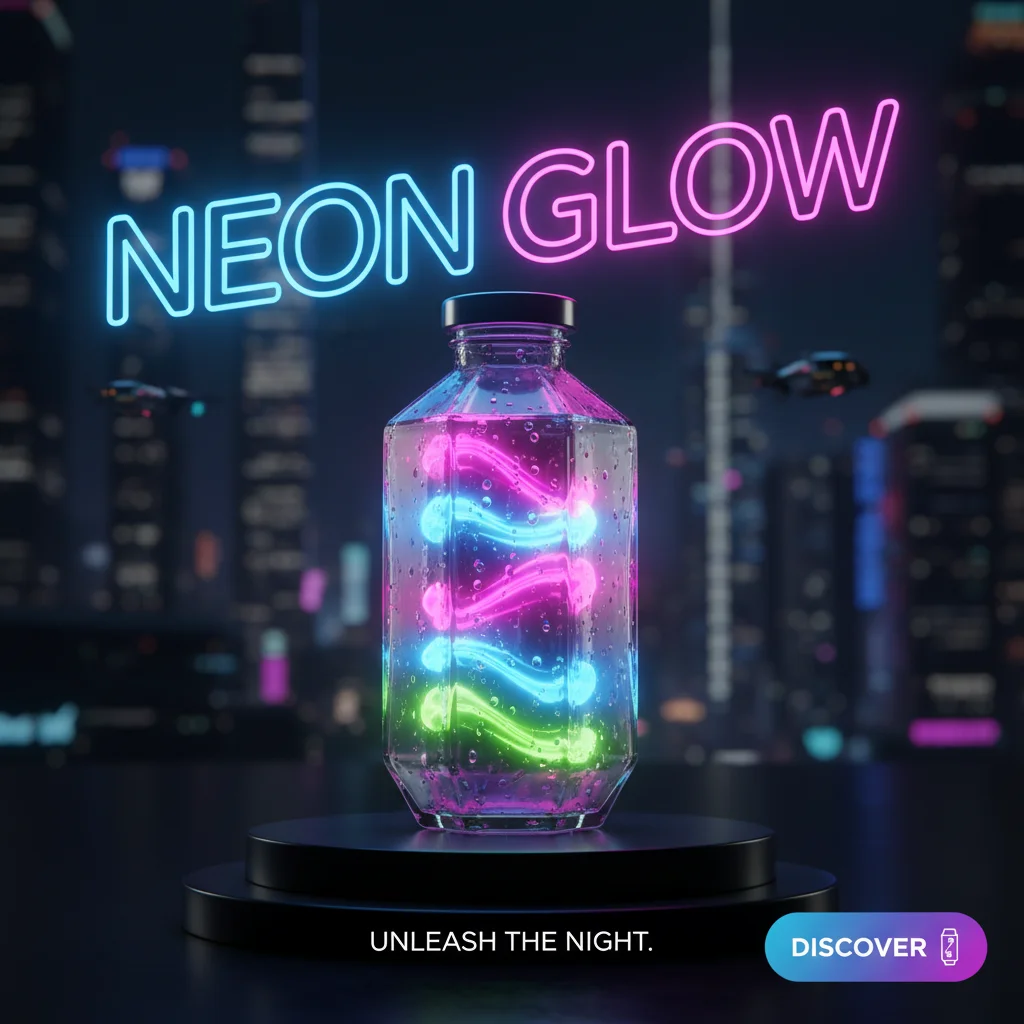
- It integrates text naturally into complex environments, such as neon signs, graffiti on brick walls, or printed labels on realistic product packaging.
- The overall image quality is exceptionally high, offering superior photorealism compared to Ideogram.
However, Flux can still struggle with very long paragraphs or highly intricate typographical layouts. It is an excellent choice if you need a realistic photo that happens to contain text, whereas Ideogram is better if the text itself is the primary design element.
3. Midjourney and DALL-E – Current Text Rendering Limitations
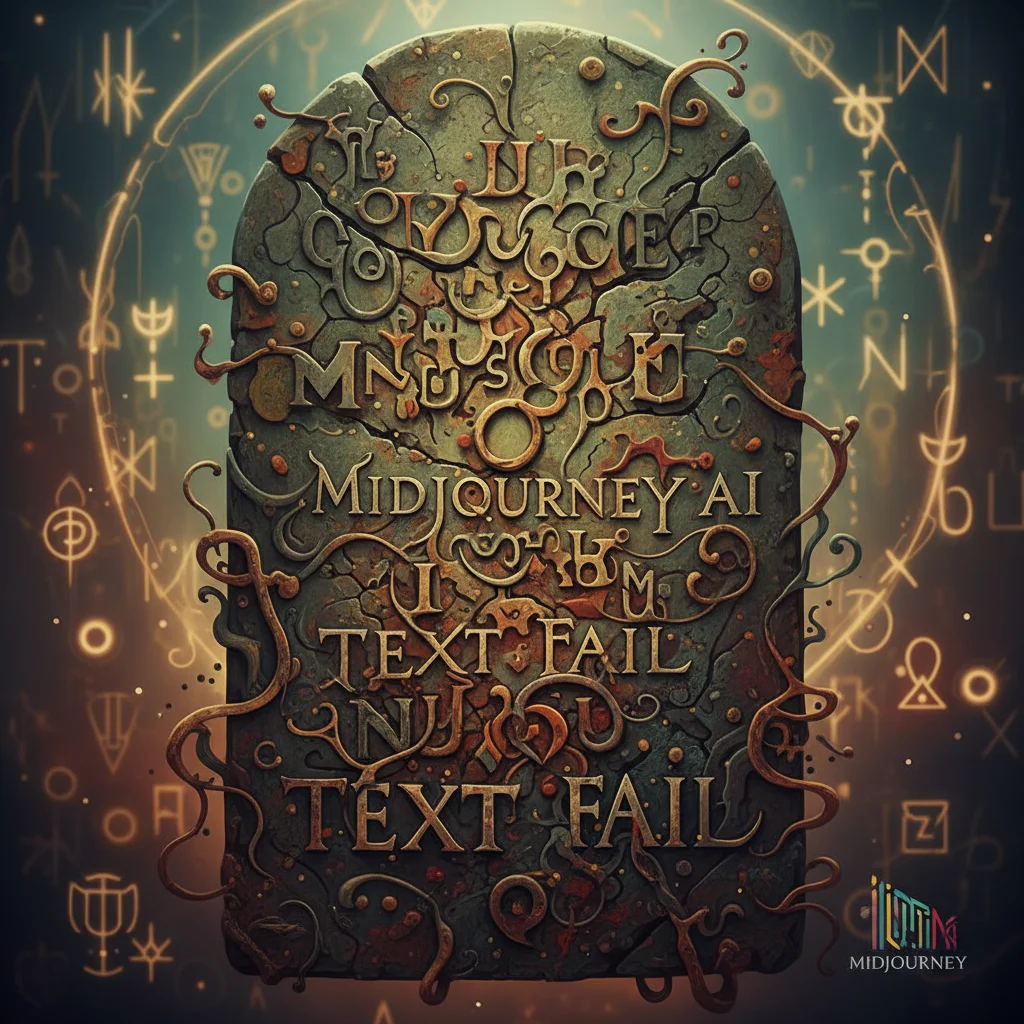
While Midjourney and DALL-E 3 are incredibly popular for general image generation, they both exhibit significant limitations when tasked with rendering precise text.
Midjourney: Renowned for its unmatched artistic flair and cinematic aesthetics, Midjourney has historically struggled with text. While recent updates have introduced basic text rendering capabilities (often triggered by putting the desired text in "quotation marks"), it remains highly inconsistent. Letters are frequently distorted, spelling errors are common, and the tool often ignores layout instructions. Midjourney is best reserved for stylized, artistic text treatments where legibility is secondary to aesthetic vibe.
DALL-E 3: Integrated directly into ChatGPT, DALL-E 3 is highly accessible and understands conversational prompts incredibly well. It can generate simple text elements, but it frequently suffers from spelling hallucinations, missing letters, and a lack of control over font styles. It is useful for quick brainstorming sessions, but rarely meets the standards required for professional, client-facing design work.
How to Choose the Best AI Art Generator with Text for Your Workflow
To get the most out of these tools, professional designers rarely rely on a single platform. Instead, they build a hybrid workflow that leverages the unique strengths of each generator.
The Recommended Professional Workflow
If you want to produce flawless, production-ready assets, consider adopting this industry-standard workflow:
- Generate typography in Ideogram: Use Ideogram to create the core text elements, logos, or layout structures where spelling and font style are critical.
- Generate background imagery in Flux or Midjourney: If your project requires hyper-realistic backgrounds, complex characters, or highly stylized environments, generate these assets using Flux or Midjourney.
- Composite in Photoshop or Figma: Bring both elements into your preferred design software. Mask out the backgrounds, align the text, and perform manual typography adjustments.
- Vectorization and Final Polish: For logos and print assets, run the AI-generated text through a vectorizer to ensure it remains crisp at any scale. Perform a final brand safety and spelling check before publishing.
Prompt Engineering Tips for Better Text Rendering
Regardless of which platform you choose as your best ai art generator with text, your prompting technique plays a massive role in the final output. Use these proven tips to improve your results:
- Use Quotation Marks: Always place the exact text you want rendered inside double quotation marks (e.g., a neon sign that says "Open Late").
- Specify the Font Style: Be explicit about the typography style you want. Use terms like "bold sans-serif," "elegant script," "vintage block letters," or "clean minimalist font."
- Keep it Short: The fewer words you ask the AI to render, the higher the likelihood of perfect spelling. Avoid long paragraphs; stick to short headlines or single words.
- Describe the Placement: Clearly state where the text should live within the composition (e.g., "The words 'organic blend' printed clearly on the center of a matte black coffee bag").
"The secret to professional AI design isn't finding a tool that does 100% of the work perfectly. It's about using the right tool for the right task and finishing the final 20% with human expertise."
Future Outlook: The Evolution of AI Typography
The rapid advancement of diffusion transformer (DiT) models suggests that text rendering will only continue to improve. As models grow larger and receive more specialized training on graphic design datasets, the gap between tools like Ideogram and general-purpose generators will likely close. For now, maintaining a versatile toolkit—with Ideogram for precision text and Flux for stunning realism—is the most effective strategy for any professional creator in 2026.
Related reading: Best Image Workflow for Designers · Best Image Generator for Marketing · Best Image Generator for Product